// the tuesday AI guide
AI product photos: the honest guide for shops and artisans
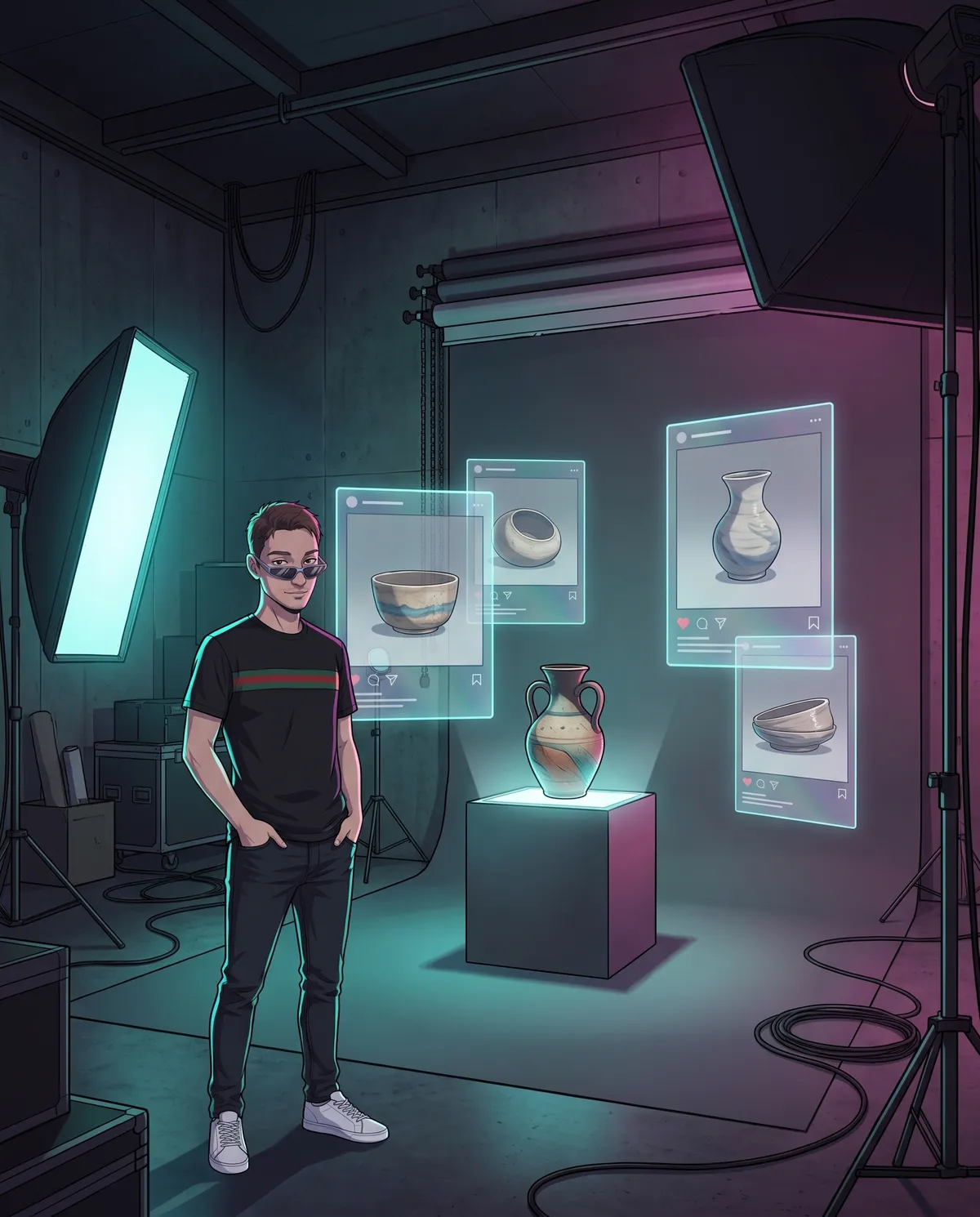
You have a shop or a workshop, beautiful products and photos that don't do them justice. The photographer is expensive, time is short, and meanwhile on social media your competitors seem to have a photo set at home. Then someone comes along and tells you: “with AI you type two lines and your catalog is ready”. That's not true. But the truth is more interesting: AI can give you professional-studio scenes if you use it the right way — that is, on the world around the product, never on the product itself. This guide walks you through the complete workflow, step by step.
First of all: what works and what doesn't
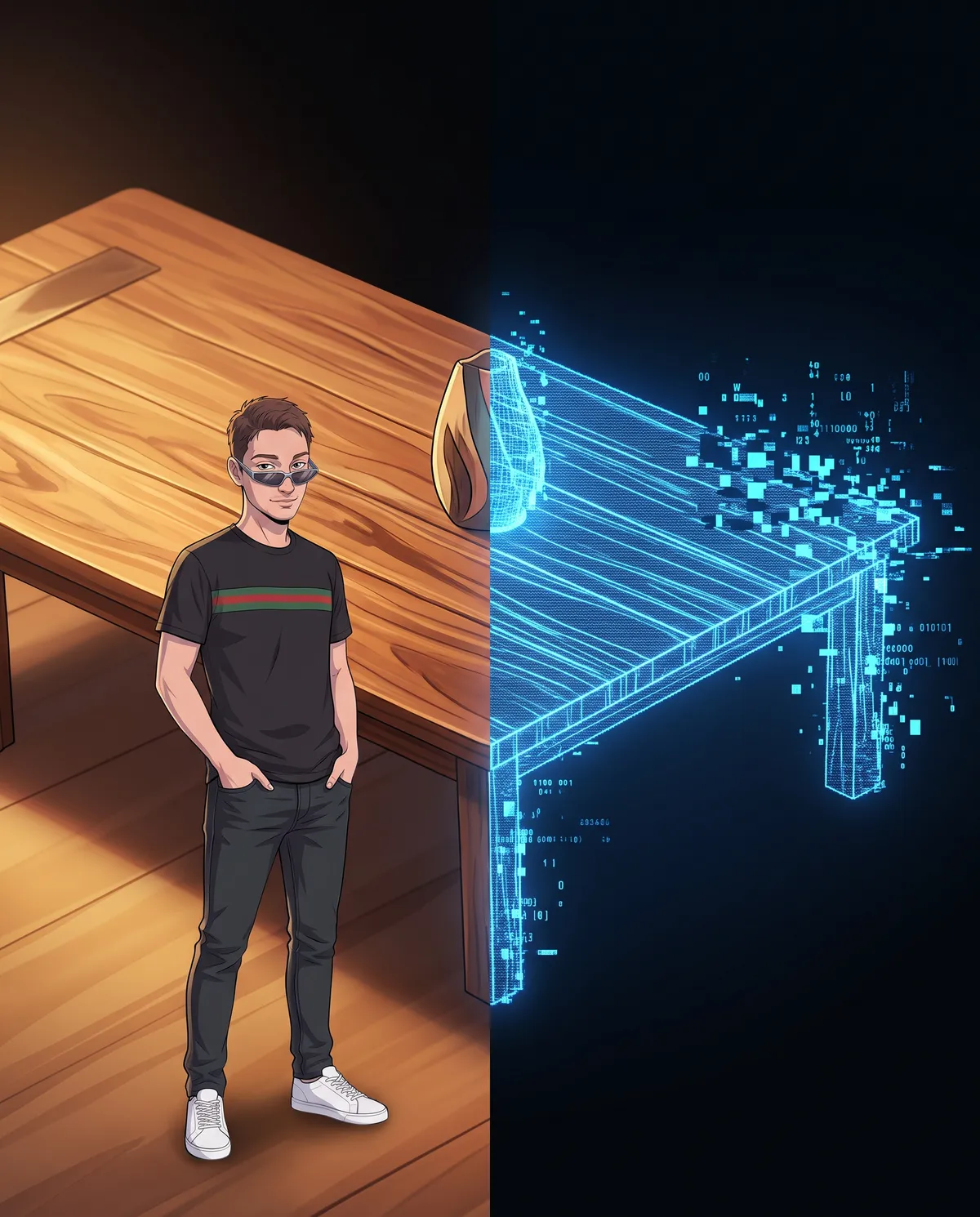
Generative AI is excellent at building environments: a marble countertop, an elegant shop window, a set table, the golden light of sunset. They're “generic” scenes the model has seen millions of times, and it renders them flawlessly.
Where does it fail? On your product. If you ask AI to “generate” your bag, your ceramic piece or your jar of honey, you'll get something similar but wrong: the grain of the leather changes, the stitching shifts, the label becomes unreadable, the proportions warp. For an artisan, those details are exactly what sells.
Step 1 · Start from a real photo, taken well
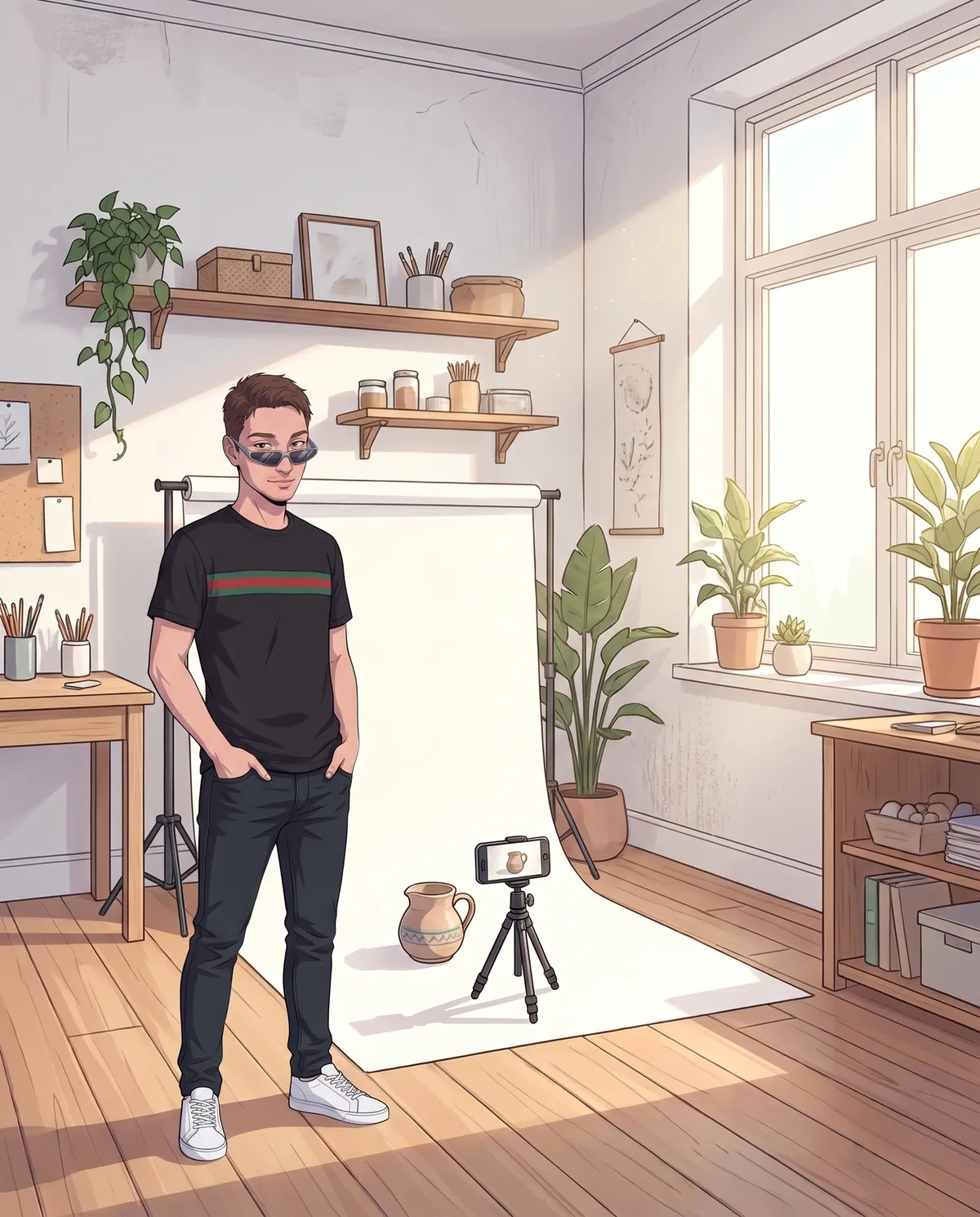
The whole workflow rests on the starting shot. You don't need studio equipment: a recent smartphone, a window with natural light and a neutral background are enough (a white sheet of card folded into an “L” works perfectly).
Three tips: clean the product (in macro, every speck of dust shows), shoot from several angles (front, three-quarter, detail), and avoid direct sunlight, which blows out the whites. Ten minutes of work worth more than any retouching.
The cleaner the starting photo, the less AI will have to invent. And as we've seen, what AI invents on the product is always a problem.
Step 2 · AI makes the scene, not the product
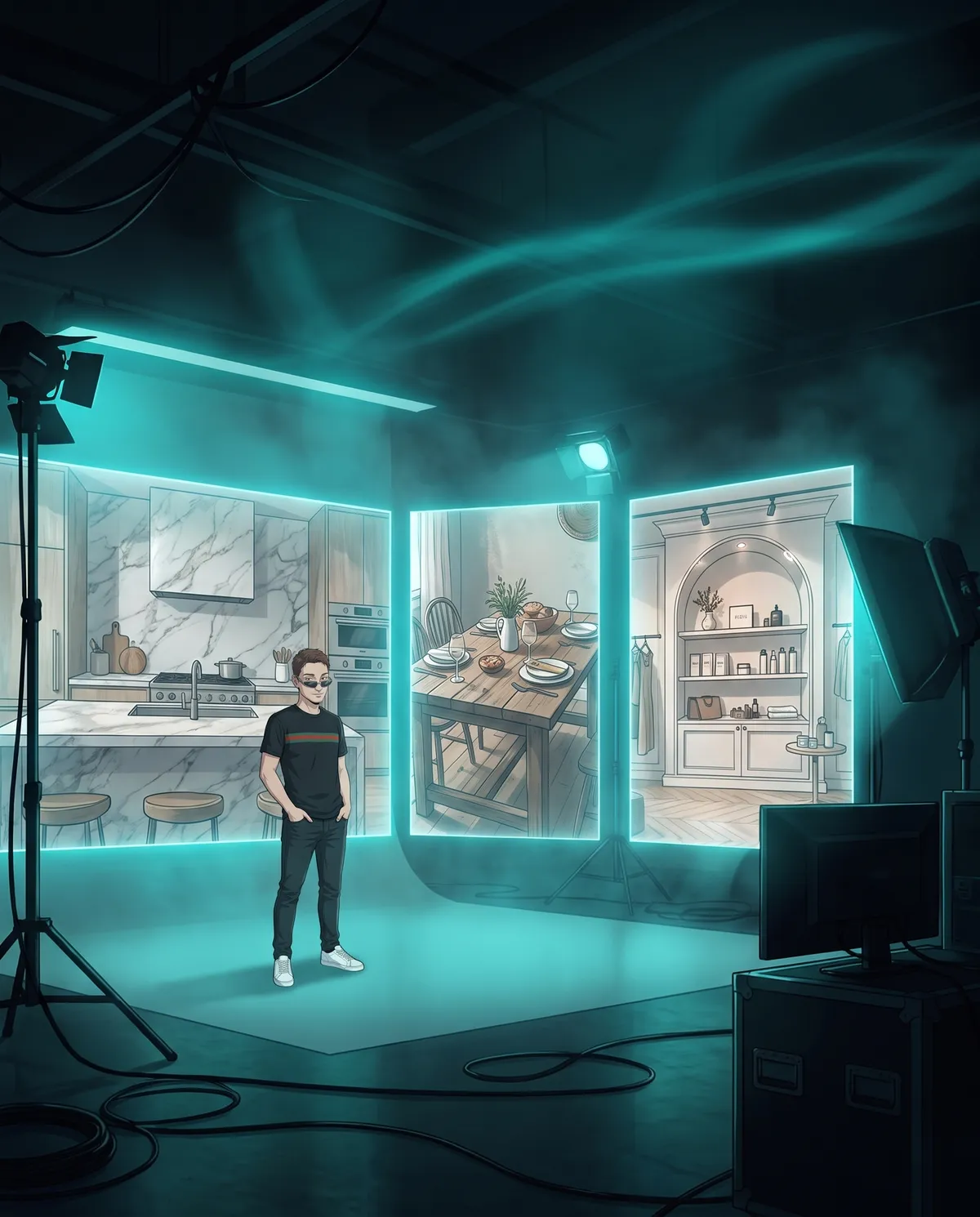
Here's the heart of the workflow: cut out the product from the real photo (background-removal tools today are free and excellent), then ask AI to generate only the environment to place it in — or use the tools that directly compose “real product + generated background,” built specifically for e-commerce.
The result: your ceramic piece stays identical to the real thing, but lives in a marble kitchen, on a rustic table, in a designer shop window. Endless settings from a single shot, for the catalog, social media and seasonal campaigns.
A practical tip: keep the style consistent across scenes (same light, same palette). A coordinated feed is worth more than 10 spectacular backgrounds that have nothing to do with each other.
Step 3 · Quality control: the details that give you away

Before publishing, zoom in and check the way a picky customer would. The spots where AI compositions give themselves away are always the same:
Shadows: they must fall on the same side as the scene's light. Reflections: if the product is glossy and the scene has a window, the reflection has to make sense. Lettering: labels and logos must stay sharp and legible. Proportions: the 250-gram jar can't look like a bucket. Contact points: the product must “rest” on the surface, not float.
One wrong detail and the viewer senses something fake, even without being able to say why — and the doubt jumps straight from the photo to how serious your shop is.
Step 4 · Play fair: transparency and rules
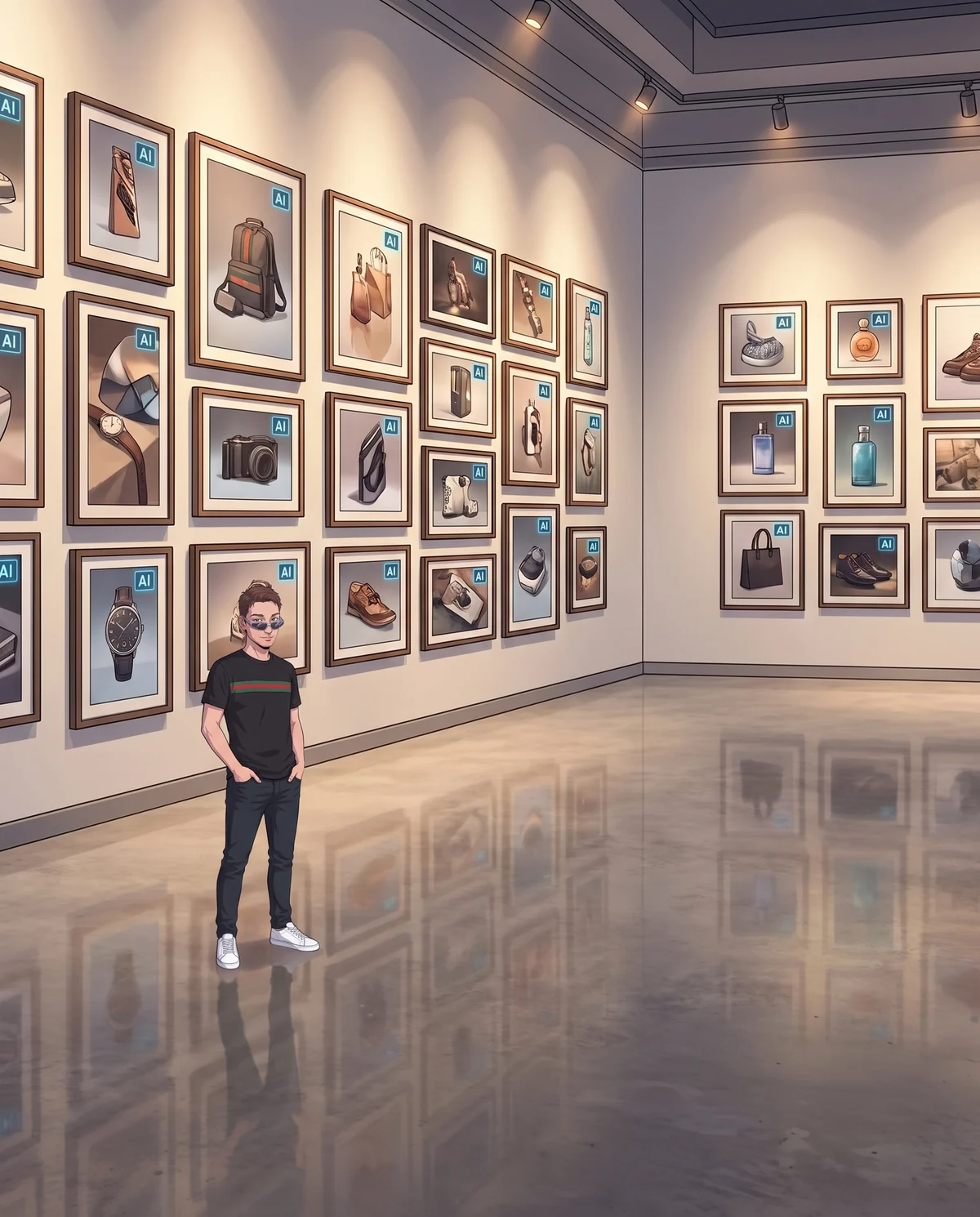
The principle is simple: the customer buys what they see. The product in the photo must be identical to the one that arrives at their door — same colors, same dimensions, same materials. The scene can be generated; the product cannot, ever.
And when photorealistic images are generated, say so: one line in the caption (“AI photo, handmade product”) and the badges that platforms like Meta make available. The European rules on the transparency of AI content are heading in this direction, and getting there first is an advantage, not an immediate obligation.
There's a commercial payoff too: for an artisan, “the product is real, the scene is AI” is a story that works. It says you're modern in your tools and honest about the work of your hands.
In short
A real photo taken well → cut-out → AI-generated scene → checking the details → transparency with whoever buys. Five steps, no magic. AI doesn't replace your product: it builds around it a photo set you couldn't afford before. The day you use it to “improve” the product itself, you've stopped taking photos and started making promises the delivery won't keep.
Frequently asked questions
Can I use AI to generate a photo of my product?
Not the product. If you ask AI to generate your handbag or your ceramics, you get something similar but wrong: the texture changes, the stitching moves, the label becomes unreadable. There's only one rule: the product stays real, photographed by you, and AI builds only the scene around it, from the marble countertop to the shop window.
How can I tell if an AI product photo looks fake?
Zoom in like a picky customer and check five points: the shadows fall on the same side as the light, the reflections make sense, labels and logos stay sharp, the proportions are right, and the product rests on the surface instead of floating. One wrong detail is enough for viewers to sense it's fake, even if they can't say why.
Do I have to disclose that my product photos are made with AI?
Yes, when the photorealistic images are generated: one line in the caption, like “AI photo, handmade product,” and the badges that platforms like Meta make available. The product in the photo must be identical to the one that arrives at the customer's door. For an artisan, “the product is real, the scene is AI” is also a story that works.
A half-hour chat, no strings attached, in plain language.
Let's talk →