// the tuesday guide
AI in customer service: answering better, not just faster

It's 6:40 p.m., you've closed the shop or shut down the computer, and there are twenty-three messages from customers in your inbox. Four ask about delivery times, three say “where's my order,” two want a return, one is angry and writes in all caps. By tomorrow morning there will be thirty. It's the work nobody budgeted for and that eats up an hour a day, every day. AI genuinely helps here — but not in the way they tell you it does.
The promise going around is “answer everyone in a minute.” The problem is that answering fast and answering well are two different jobs: a customer who gets a wrong, cold or generic reply in thirty seconds isn't a customer served, it's a customer lost more efficiently. This guide is for anyone who wants to use AI in customer service without turning into an anonymous call center: five rules, with before/after examples and a sheet to copy.
1 · The AI drafts, you sign

The first rule is also the most important, and it applies to everything else in this guide: the AI writes, you send. In ten seconds an AI assistant produces a correct, polite and complete answer to “when will my order arrive?”. But you read that answer before it goes out, because the AI doesn't know that the courier is on strike today, that this customer already had a problem last month, or that the size they're asking for sold out yesterday.
Rule of thumb: if the reply commits money, deadlines or a refund, automatic sending is off-limits. A written promise to a customer (“it'll arrive by Friday,” “we'll refund you in full”) is a commitment, and a wrong commitment costs far more than the hour you save. For simple questions — opening hours, address, “do you ship to Sardinia?” — you can loosen the reins, but only after you've seen a month of drafts and counted how many you would have corrected.
2 · Give it a tone-of-voice sheet

Without instructions, the AI answers like a multinational's call center: “Dear customer, thank you for contacting us. We apologize for any inconvenience caused. Your request is important to us.” Three lines in and the customer already knows they're not talking to you. The solution is a tone-of-voice sheet: one page, written once, that you paste at the start of every conversation with the assistant (or save in its permanent instructions, if the tool has them).
What goes in it, in order: who we are in two lines (“we're a tailor's shop in Bergamo, two people, everything made by hand”); how we talk (first names or formal address, short sentences, no buzzwords unless they're needed); three phrases we always use, taken from your real emails (“let me tell you straight away how things stand,” “if it's not right, we'll redo it”); and the list of banned words: “we apologize for the inconvenience,” “your request is important to us,” “we remain at your disposal for any further clarification,” “the team.” Every sentence you wouldn't say out loud to a customer standing at the counter goes on the list.
A before/after example on the same question (“the jacket is tight on me, can I exchange it?”). Before: “Dear customer, please be advised that exchanges are possible within 14 days of receipt, subject to completion of the return form.” After, with the sheet: “Of course, no problem exchanging it. Can you tell me which size you got and where it's tight (shoulders or waist)? That way I'll send you the right one and explain how to ship the other back to me, at our expense.” Same AI, same content: the difference is all in the sheet.
3 · Ten template replies with real data
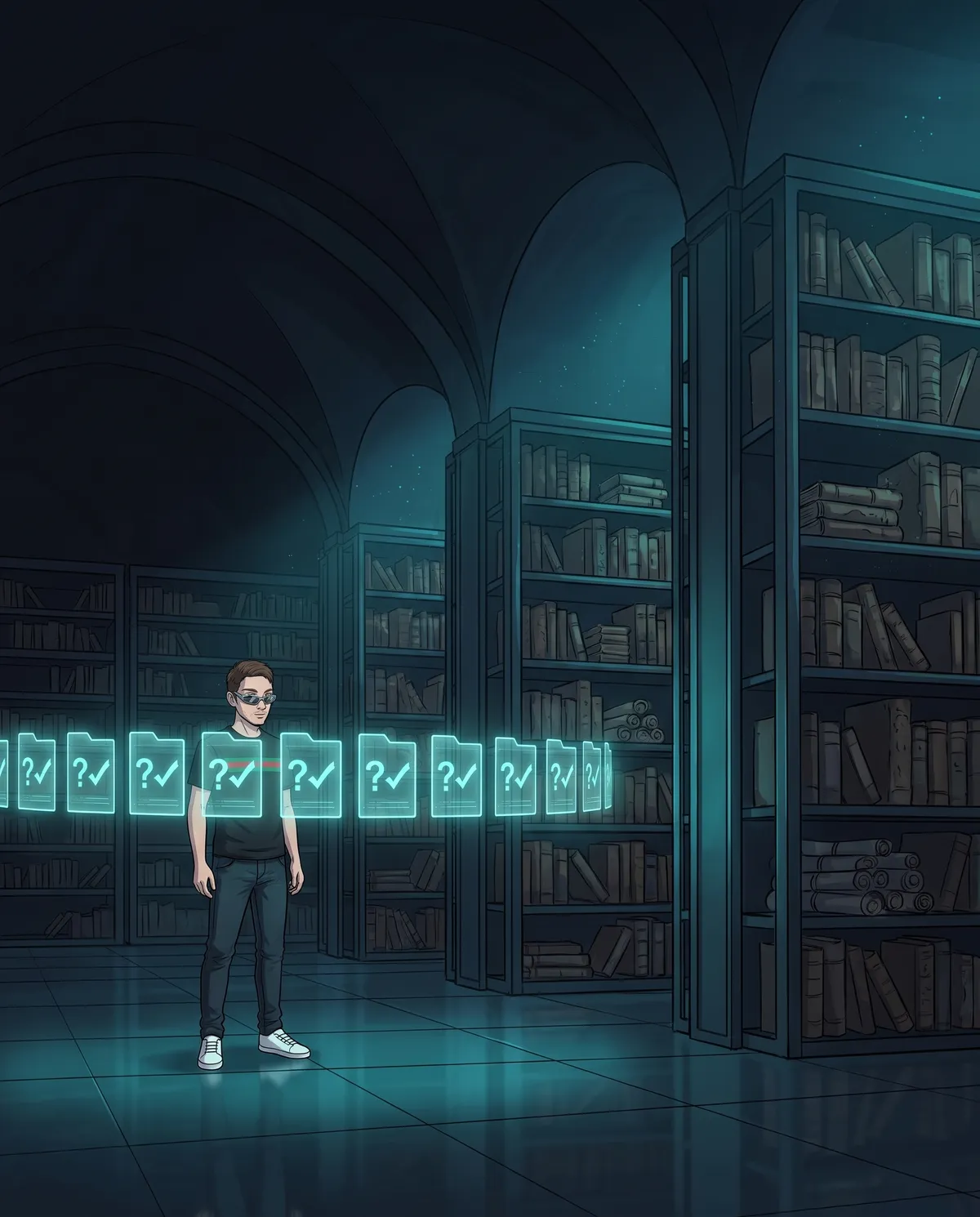
If you look at a month of messages, you'll find that eight requests out of ten are always the same: opening hours and address, delivery times, shipping costs, returns and exchanges, “where's my order,” payment methods, sizes and measurements, product availability, invoices, “do you also make to measure?”. For each one, prepare a template reply — not a text to copy, but the real facts the AI starts from: the shipping rate, delivery days by area, the return procedure with the exact number of days, the link to the size guide.
The flow becomes: a question comes in, the AI recognizes it, pulls the right sheet, adapts it to the case (name, order, specific detail) and puts the draft in front of you. You read, correct if needed, send. The hidden advantage is maintenance: when the courier's rate or Saturday hours change, you update one line in the sheet, not a hundred emails already sent with the old information. And if a new question starts coming back three times in a week, that's sheet number eleven.
4 · Complaints and money go straight to a person

This is the rule that separates good customer service from customer service that does damage. There are three situations where the AI must not try to solve things, it must hand off: a complaint (the product arrived broken, wrong, seriously late), a request for money (refund, discount, disputed charge) and an angry customer — whom you recognize by the all caps, the exclamation points, the “this is the third time I'm writing.” In these cases the AI has only one right answer: “I'm putting you in touch with Marco, who will get back to you himself by the end of today.” A real name, a precise time, and the ball passes to you.
Write it into the tone sheet, in a separate section: “If the message contains a complaint, a refund request or an angry tone, DO NOT answer on the merits. Only write that you're passing the message to [name], who will reply within [time], and flag it to me.” Then honor the time you promised: escalation works if the person on the other end actually shows up.
5 · Measure two numbers, once a month

Without numbers, the only thing you notice is “I answer faster,” and that's precisely the number that matters least. Two are enough, checked once a month. The first is response time: how long passes between the customer's message and your first reply. The second, the real one, is “solved on the first try”: how many conversations close with a single reply, and how many instead see the customer writing back about the same thing.
If response time drops from four hours to ten minutes but the customer writes back three times about the same question, the AI has made you run in the wrong direction: you're quickly answering things that don't solve anything. In that case the problem is almost always in sheet number three — a piece of data is missing, or wrong — and it gets fixed in half an hour. You don't need software to count: a spreadsheet with one row per conversation, date, topic, how many replies it took. Thirty rows a month are enough to see the picture.
In short
AI in customer service isn't there to answer in a minute: it's there to answer well in a quarter of the time. The five rules: the AI writes the draft and you sign, with no automatic sending on money, deadlines and refunds; a tone-of-voice sheet with who you are, how you talk, three phrases of your own and the banned words; ten template replies with the real data inside, updated in one line when something changes; complaints, money and angry customers go straight to a person with a name; and two numbers a month, response time and solved on the first try, with the second counting more than the first. The time you save isn't in autopilot: it's in the draft you reread, which is five times faster than writing from scratch, and in the sheet you write only once.
Frequently asked questions
Can I let AI reply to customers automatically?
If the reply commits money, deadlines or a refund, automatic sending is off-limits: a wrong promise costs far more than the hour you saved. For simple questions, like opening hours and address, you can loosen the reins only after a month of reviewed drafts. The real gain is the draft you review, which takes you from an hour a day to fifteen minutes.
How do I get AI to reply in my business's tone of voice?
Write a tone-of-voice sheet and paste it at the start of every conversation, or save it in the permanent instructions: who you are in two lines, first names or formal address, three sentences taken from your real emails and the banned words, like “we apologize for the inconvenience.” Every sentence you wouldn't say to a customer at the counter goes on the list.
How do you handle a complaint if you use AI in customer service?
The AI doesn't handle it. Complaints, requests for money and angry customers go straight to a person: the AI only writes that it's passing the message to a real name, who will reply within a specific time, for example “by the end of today.” Put this in the tone-of-voice sheet, then keep the time you promised: a customer who hears a real name is already half calm.
A half-hour chat, no strings attached, in plain language, no tech jargon
Let's talk →