// one task a week, automated
Automated payment reminders: get paid sooner without sounding like a robot
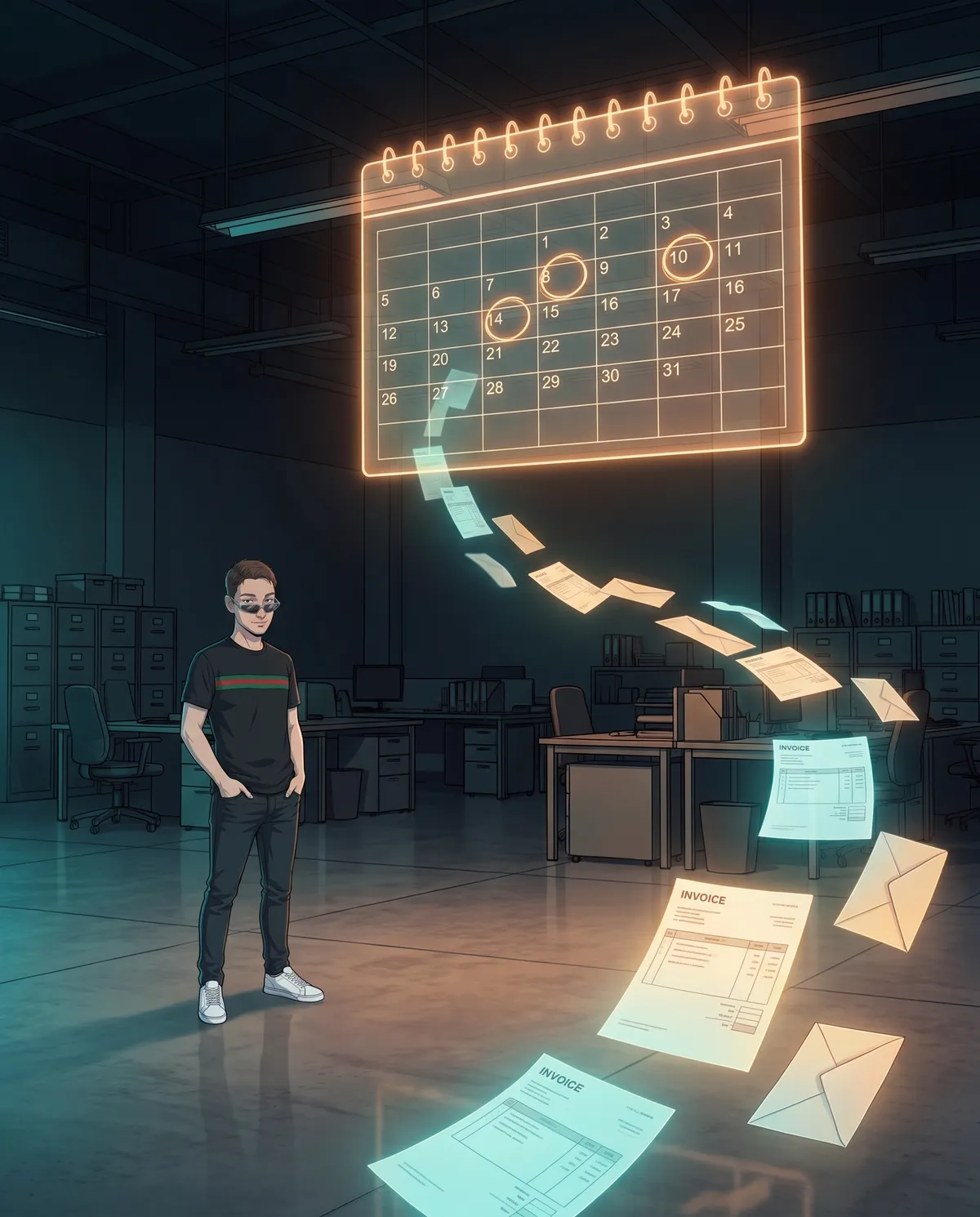
There's one job that almost every small business does late, badly, and reluctantly: reminding clients that an invoice is overdue. It isn't hard, it's awkward. So it gets pushed to next week, then the week after, and meanwhile the money stays in someone else's pocket. It's also one of the jobs that automates best, on one condition: the machine has to know who has already paid, and it has to stop when a person is needed.
In this guide we take it apart piece by piece: how it works today, what you can hand over to the system and what you can't, which tools to use, a complete example from invoice sent to payment received, and how to get started in one afternoon.
How it works today: the overdue-invoice afternoon

Done by hand, a round of reminders usually goes like this. You open your invoicing program, or the spreadsheet of invoices you've sent, and look for the overdue ones. Then you log into online banking and check, one by one, whether the transfer has arrived. For the unpaid ones you write an email, often from scratch, hunting for the right tone somewhere between too nice and rude. You attach the invoice, copy the IBAN, hit send. And you make a note, somewhere, to check again in a week.
Most of the time goes into checking against the bank and writing the messages, which starts over from zero every single time. The typical mistakes are always the same:
- chasing someone who has already paid, because the transfer arrived yesterday or came with an incomplete payment reference;
- forgetting someone, usually the very client who always pays late;
- getting the tone wrong: too harsh with a long-standing client, too soft with someone on their third late payment;
- the wrong invoice number or amount in the message, which forces the client to ask and drags things out.
What gets automated and what stays with a person

Draw the line before you switch anything on. You can safely leave these to the system:
- keeping the due-date tracker: every invoice with amount, client, and due date;
- checking incoming payments, when the transfer is clear (right amount, invoice number in the payment reference);
- sending reminders on the set dates, with messages you write once;
- keeping track of what went out, when, and to whom.
These always stay with a person: the unclear cases (a transfer for a different amount, a payment with no reference, a client who disputed the invoice), the exceptions (the long-standing client going through a rough patch, the deal agreed over the phone), and above all what to do after the final notice. A phone call, a payment plan, a lawyer: the system doesn't decide, it alerts you and stops. The client who's struggling and the one who's gaming you would get the same messages, and only you know which is which.
With the tools you already have, and when you need something custom

Before you buy anything, look at what you already have.
Your invoicing program. Almost all of them have a due-date tracker, and some can also email reminders and connect to your bank account to recognize payments. It's worth checking the settings before building anything else: the feature is often there and nobody ever turned it on.
Spreadsheet and email. If you send a few dozen invoices a month, a sheet with one row per invoice (client, email, number, amount, due date, paid yes/no) and an automatic send connected to your inbox is enough. Google Sheets and Excel both make this possible, with their own automations or with a no-code tool that reads the sheet and sends the emails on the right dates.
The bank. The trickiest step. If your program doesn't connect to your account, you can download the list of transactions every morning and have it matched against the due-date tracker. Matching only works well if the client writes the invoice number in the payment reference: that's why you need to ask for it clearly on the invoice and in every message.
WhatsApp Business. Useful if you already talk to clients there: quick replies let you send a ready-made reminder in two taps. The app, however, doesn't send on its own on set dates: for automatic sending you need Meta's business platform, with approved message templates.
When you need something custom. When invoices run into the hundreds, you have more than one bank account, payments come in installments, or one transfer covers several invoices at once. That's where the spreadsheet starts making mistakes, and it's time for a custom web-based management system that does the bank matching for you and shows you only the unclear cases.
A step-by-step example: from invoice sent to payment received
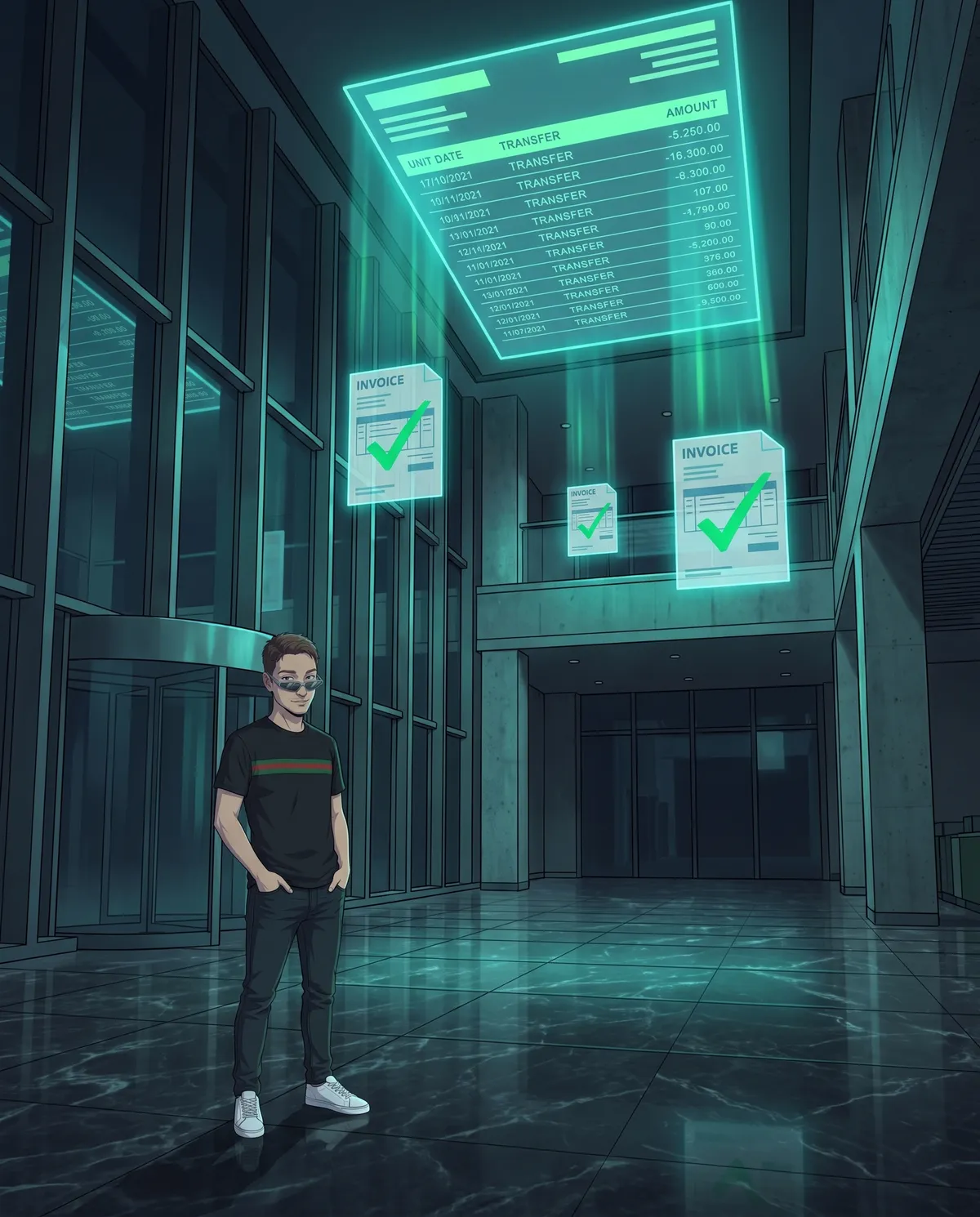
Take a small firm that sends an invoice payable in 30 days. Here's what happens, from the first event to the last.
- Day 0, the invoice goes out. It lands in the due-date tracker with client, amount, number, and due date. Nobody has to remember anything.
- Every morning, the bank check. The system matches the day's payments against open invoices. Transfer with the right amount and number: invoice closed, it drops out of the loop. Different transfer or no reference: it goes to the list of unclear cases, which you review.
- Three days before the due date, the reminder. Friendly tone, no accusations: “just a reminder that invoice no. 112 for €480 is due on Friday.” With the full IBAN, the payment reference to use, and the invoice attached.
- Seven days after the due date, the follow-up. Always after that morning's bank check. Clear tone: the invoice is overdue, here's how to pay, and if there's a problem just reply to this email.
- Twenty-one days after the due date, the final notice. Firm and polite, mentioning late-payment interest and recovery costs if the client is a business.
- The next day, the system stops. It sends nothing else: it alerts you with the client's name, the amount, and the message history. From here, you decide.
- If the client replies at any point (“I'll pay at the end of the month,” “there's a mistake on the invoice”), the sequence for that invoice pauses until you turn it back on.
The dates are just an example: adapt them to how your business works and the terms you've agreed on. What doesn't change is the order: bank first, then the message.
How to start in one afternoon, and the mistake to avoid
You don't need a project to get started. One afternoon is enough:
- List your open invoices, with due dates and client emails, in your invoicing program or in a spreadsheet.
- Write the three messages: reminder, follow-up, final notice. Each one with invoice number, amount, IBAN, and the payment reference to use. AI can help you find the tone, but you reread and sign off on the final version yourself.
- Set the dates and decide who gets alerted when the system stops.
- Turn on the automation in draft mode: for the first two weeks the system prepares the messages and you send them by hand, checking that they're right.
The mistake to avoid is switching on automatic sending without the bank check, or with a check that can't recognize transfers with a sloppy payment reference. A single reminder to a client who has already paid costs more than ten reminders that arrived on time: it's the moment the client decides you don't know what's going on in your own business. That's why draft mode isn't a waste of time, it's the test run.
In short
A payment reminder system that works has five pieces: a single due-date tracker, three messages of escalating tone written once, a bank check before every send, a stop after the final notice with a person who decides, and everything needed to pay right away in every message. You build it with your invoicing program or with a spreadsheet and email; custom software only makes sense when the numbers grow. And you start in draft mode, because the one mistake you can't take back is chasing someone who has already paid.
Sources: Normattiva (Legislative Decree 231/2002 on late payments in commercial transactions) · Meta (WhatsApp Business Platform)
Frequently asked questions
Can you automate payment reminders without buying new software?
Yes, in most cases. Many invoicing programs already have a due-date tracker, and some can send reminders too. Otherwise, a spreadsheet with your invoices and due dates, connected to your email, is enough. Custom software makes sense when you have lots of invoices, more than one bank account, or payments that come in installments.
How do you avoid chasing a client who has already paid?
Before every send, the system matches the due-date tracker against the payments in your account, looking for the amount and the invoice number in the payment reference. Anyone who has paid drops out of the loop. Unclear cases, like a transfer for a different amount or with no reference, are never sent automatically: they go to a list that a person reviews.
What can you say in the final reminder to another business?
You can remind them, firmly and politely, that between businesses Italian late-payment law provides for late-payment interest and a flat €40 fee for recovery costs. After the final notice the system stops: a phone call, a payment plan, or a lawyer is decided by a person, case by case.
A half-hour chat, zero commitment, plain talk, no tech jargon
Let's talk →